How to Charge a Dead Golf Cart Battery: Quick and Easy Steps
Charging a dead golf cart battery is straightforward. Follow the right steps for safety.
Golf carts are convenient for getting around the course or neighborhood. But a dead battery can bring your plans to a halt. Knowing how to charge a dead golf cart battery can save you time and money. Understanding the basics of battery types and the correct charging methods is key.
This guide will walk you through the process. You’ll learn how to safely and efficiently charge your golf cart battery. Say goodbye to unexpected battery issues and keep your cart running smoothly.

Credit: carts-and-parts.com
Safety Precautions
Charging a dead golf cart battery can be risky. Safety precautions are essential to prevent accidents. This guide will help you stay safe while performing this task.
Wear Protective Gear
Start by wearing protective gear. Use gloves to protect your hands from acid and dirt. Safety goggles will shield your eyes from any splashes. Always wear a long-sleeved shirt to protect your skin from battery acid.
Check Battery And Cables
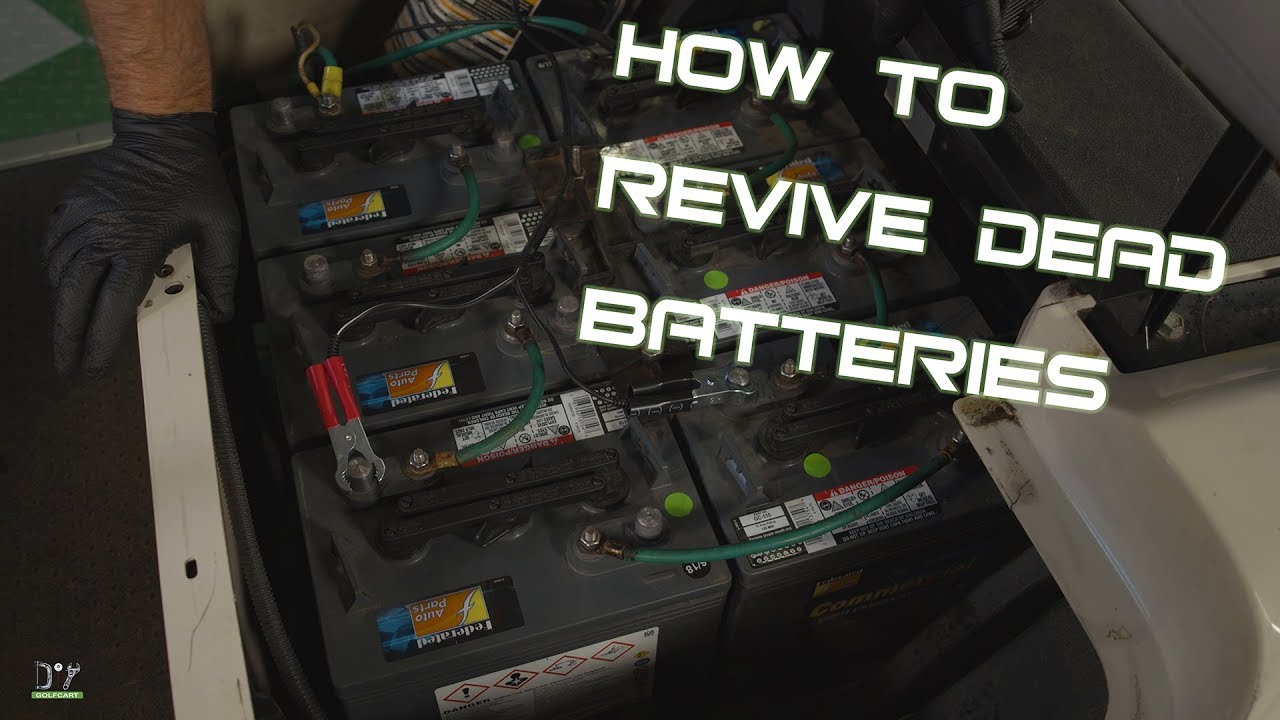
Before charging, check the battery and cables. Ensure they are not damaged. Inspect the battery for any cracks or leaks. Damaged batteries are dangerous and should be replaced.
Look at the cables and connections. They should be clean and free from corrosion. Use a wire brush or baking soda solution to clean them if necessary.
Here is a simple table to guide you:
| Item | Action |
|---|---|
| Battery | Check for cracks or leaks |
| Cables | Clean and inspect connections |
By following these steps, you can ensure your safety while charging your golf cart battery.

Credit: www.youtube.com
Identify Battery Type
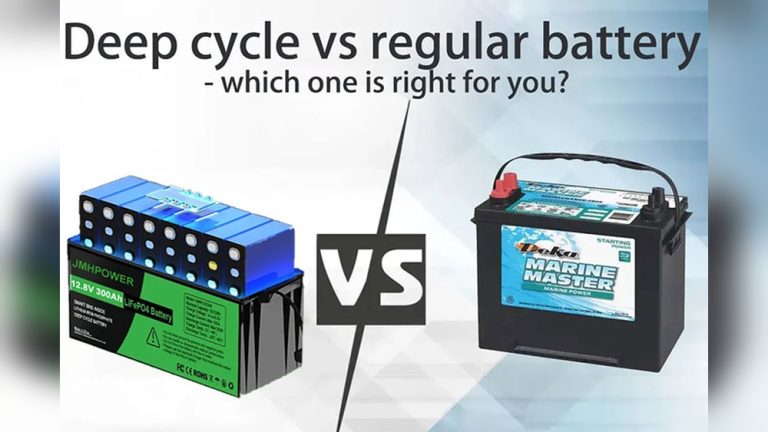
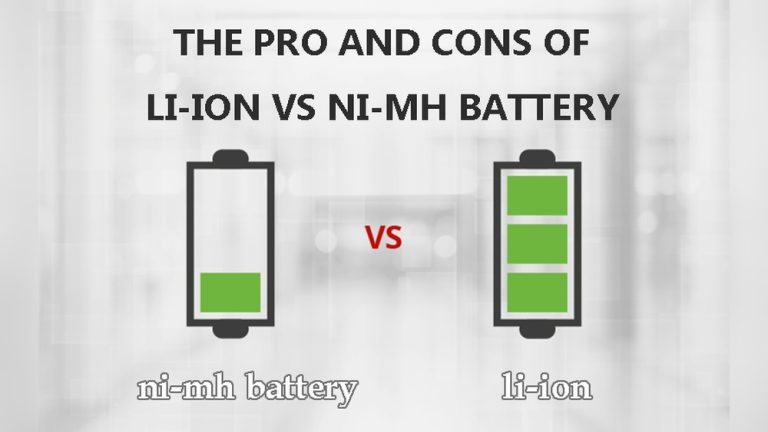
Identifying the type of battery in your golf cart is crucial. Different batteries require different charging methods. Knowing the type of battery helps in using the right charger and avoiding damage. Here, we will look at the two main types of batteries used in golf carts: Lead-Acid and Lithium-Ion.
Lead-acid Battery
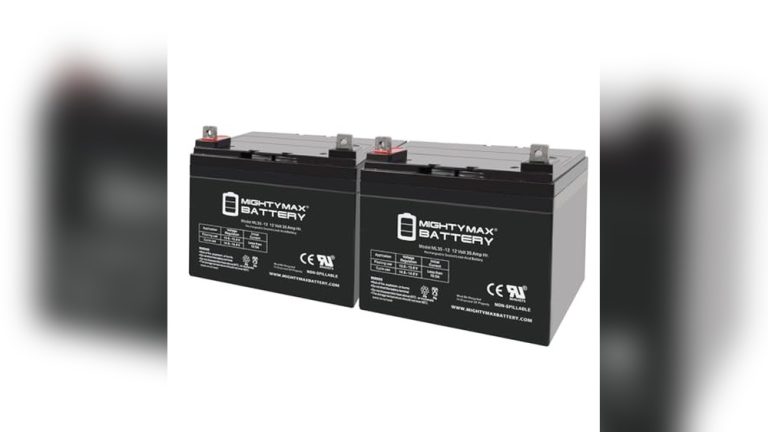
Lead-acid batteries are common in many golf carts. They are reliable and affordable. You can usually identify them by their heavy weight and liquid-filled cells. These batteries need regular maintenance. Check the water levels and top up with distilled water if needed. Use a charger designed for lead-acid batteries to avoid damage.
Lithium-ion Battery
Lithium-ion batteries are newer and lighter than lead-acid batteries. They offer longer life and faster charging times. These batteries do not need water maintenance. You can identify them by their compact size and higher price. Use a charger specifically for lithium-ion batteries. This ensures safe and efficient charging.
Gather Necessary Tools
Before charging a dead golf cart battery, gather the necessary tools. These tools ensure a smooth process. You need a multimeter and a charger. Both are essential. Let’s look at each tool.
Multimeter
A multimeter checks the battery’s voltage. This tool is crucial. It tells you how much charge is left. To use it, follow these steps:
- Turn the multimeter on.
- Set it to DC voltage.
- Connect the probes to the battery terminals.
- Read the voltage on the screen.
If the voltage is below 12 volts, the battery is dead. This tool helps diagnose the issue. Without it, you can’t be sure.
Charger
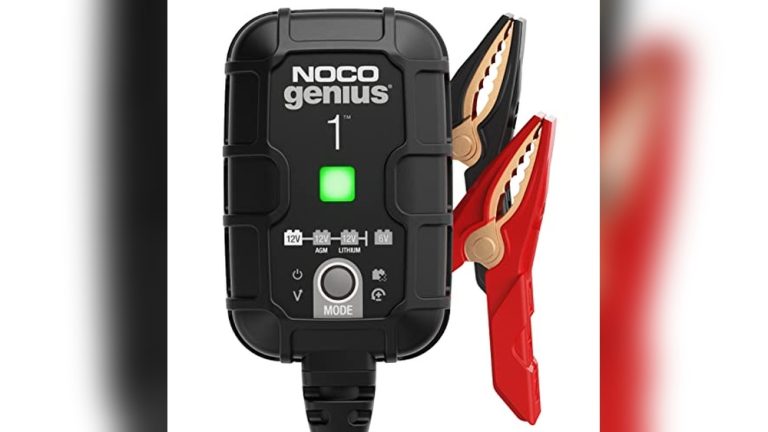
A charger is needed to charge the battery. Choose a charger compatible with your battery type. Follow these steps to use it:
- Connect the charger to the battery.
- Plug the charger into an outlet.
- Set the charger to the correct voltage.
- Turn the charger on.
Wait until the battery is fully charged. This might take several hours. Check the charger’s manual for detailed instructions. Using the right charger is vital. It ensures the battery charges properly.
Credit: hartvillegolfcarts.com
Check Battery Voltage
Checking the battery voltage is the first step in charging a dead golf cart battery. This step helps you understand the battery’s condition and if it needs a charge or replacement. Follow these steps to check the voltage properly.
Use A Multimeter
A multimeter is an essential tool for measuring battery voltage. Here’s how to use it:
- Set the multimeter to DC voltage (V).
- Connect the red probe to the battery’s positive terminal.
- Connect the black probe to the battery’s negative terminal.
- Read the voltage displayed on the multimeter screen.
Ensure the probes are in good contact with the terminals. Any loose connection can give inaccurate readings.
Interpret Results
Understanding the multimeter readings is crucial. Here’s a simple guide:
| Voltage Reading | Battery Condition |
|---|---|
| 12.6V or higher | Fully charged |
| 12.4V to 12.6V | Partially charged |
| 12.0V to 12.4V | Low charge |
| Less than 12.0V | Discharged |
If the reading is below 12.0V, the battery needs charging. If it’s much lower, the battery might be damaged. Charging may not help.
Always refer to your golf cart’s manual for specific voltage levels. Different models may have different requirements.
Prepare The Charger
Ensure the charger is suitable for your golf cart battery. Check the voltage and amperage settings. Connect the charger correctly to avoid damage.
Charging a dead golf cart battery starts with preparing the charger. This step is crucial. Using the wrong charger or settings can damage the battery. Follow these guidelines to ensure a safe and effective charge.Select Correct Charger
Ensure you use a charger suitable for your golf cart battery. Check the voltage and type of battery. Most golf cart batteries are 36V or 48V. Verify your battery’s specifications. Use a charger that matches these requirements. Using the wrong charger can cause overcharging or undercharging. Both can shorten battery life.Adjust Settings
Adjust the charger settings to match your battery’s needs. Set the voltage according to your battery’s specifications. Ensure the charger is set to the correct mode. Many chargers have modes for different battery types. Use the correct mode for your golf cart battery. This ensures the battery charges safely and efficiently. “`Connect Charger To Battery
Connecting the charger to your golf cart battery is a crucial step. It ensures your battery charges effectively. Follow these steps to do it safely and correctly.
Attach Cables
First, locate the charging cables. These usually have alligator clips or similar connectors. Identify the positive and negative cables. The positive cable is often red, while the negative is black.
Attach the positive cable to the positive terminal on the battery. Then, attach the negative cable to the negative terminal. Make sure the connections are secure. Loose connections can cause issues.
Ensure Proper Connection
Double-check the connections. Ensure the positive cable is on the positive terminal and the negative on the negative terminal. Reversed connections can damage the battery or charger.
Inspect the cables for any wear or damage. Replace damaged cables before proceeding. Finally, plug the charger into a power source. Start the charging process as per the charger’s instructions.
Charging Process
Charging a dead golf cart battery requires proper steps to ensure safety and efficiency. Knowing the right process helps extend the life of the battery. Let’s look at the steps to charge your golf cart battery correctly.
Monitor Progress
Once you start charging, it’s important to monitor the progress. Use a voltmeter to check the voltage level. This will help you know if the battery is charging properly. Take readings at regular intervals.
| Time (Hours) | Voltage Level |
|---|---|
| 1 | 12.5V |
| 2 | 13.0V |
| 3 | 13.5V |
If the voltage increases steadily, the battery is charging well. If not, you might need to troubleshoot.
Avoid Overcharging
Avoid overcharging to prevent damage to the battery. Overcharging can cause overheating and reduce battery life. Most chargers have an automatic shut-off feature. Make sure to use a charger with this feature.
Follow these tips to avoid overcharging:
- Set a timer to remind you to check the battery.
- Use a charger with a built-in timer.
- Disconnect the charger once the battery is fully charged.
Overcharging can also lead to battery acid leaks. So, always be cautious during the charging process.
Disconnect And Test
When your golf cart battery dies, it can be frustrating. One of the first steps to bring it back to life is to disconnect and test the battery. This process ensures your safety and helps identify any issues with the battery. Follow these steps to disconnect the battery and test its performance.
Safely Remove Charger
Before you start, make sure the golf cart is turned off. Safety first. Locate the charger and unplug it from the power source. Next, disconnect the charger from the golf cart. This step prevents any electrical shocks or damage to the battery.
Use insulated tools if possible. This adds an extra layer of protection. Now, you are ready to move on to the testing phase.
Test Battery Performance
Once the charger is disconnected, it’s time to test the battery. Check the voltage using a voltmeter. Attach the positive lead to the positive terminal and the negative lead to the negative terminal. A healthy battery should read around 12.6 volts or higher.
If the voltage is lower, the battery may need more charging time. For a more thorough test, consider checking the battery’s specific gravity with a hydrometer. This test measures the electrolyte concentration and provides a clearer picture of the battery’s health.
Record your findings in a simple table for easy reference.
| Test | Healthy Range | Observed Value |
|---|---|---|
| Voltage | 12.6V or higher | Your Value |
| Specific Gravity | 1.265 – 1.299 | Your Value |
If the battery performance is below these ranges, it may need replacement. Otherwise, proceed with charging steps to restore your golf cart battery.
Frequently Asked Questions
How Do You Charge A Dead Golf Cart Battery?
To charge a dead golf cart battery, connect it to a compatible charger. Ensure the charger is plugged into a power source. Follow the manufacturer’s instructions for charging time and safety precautions.
Can A Completely Dead Golf Cart Battery Be Recharged?
Yes, a completely dead golf cart battery can be recharged. Use a high-quality charger and follow the manufacturer’s guidelines. Be patient, as it may take longer to recharge.
What Is The Best Charger For Golf Cart Batteries?
The best charger for golf cart batteries is one recommended by the manufacturer. Look for features like automatic shut-off and multi-stage charging to ensure optimal performance and safety.
How Long Does It Take To Charge A Dead Golf Cart Battery?
Charging a dead golf cart battery typically takes 8-12 hours. The exact time depends on the battery’s condition and the charger’s capacity. Always refer to the charger’s manual for precise information.
Conclusion
Recharging a dead golf cart battery is simple with these steps. First, gather the necessary tools. Follow safety precautions to avoid accidents. Next, remove the battery and clean the terminals. Finally, connect the charger and let it charge fully. Regular maintenance helps keep your battery in good condition.
Always check the battery’s water level and charge it regularly. By following these tips, you can enjoy smooth rides on the golf course. Stay safe and keep your golf cart ready to go!